Login
When you access your instance of GlobaLeaks, you will not easily find the login page for your work in the internal reporting office.
- Enter the correct URL in your browser.
How to determine the correct URL:
If this is the URL of your instance:
https://your-domain.com

Access this URL:
https://your-domain.com/#/login
-
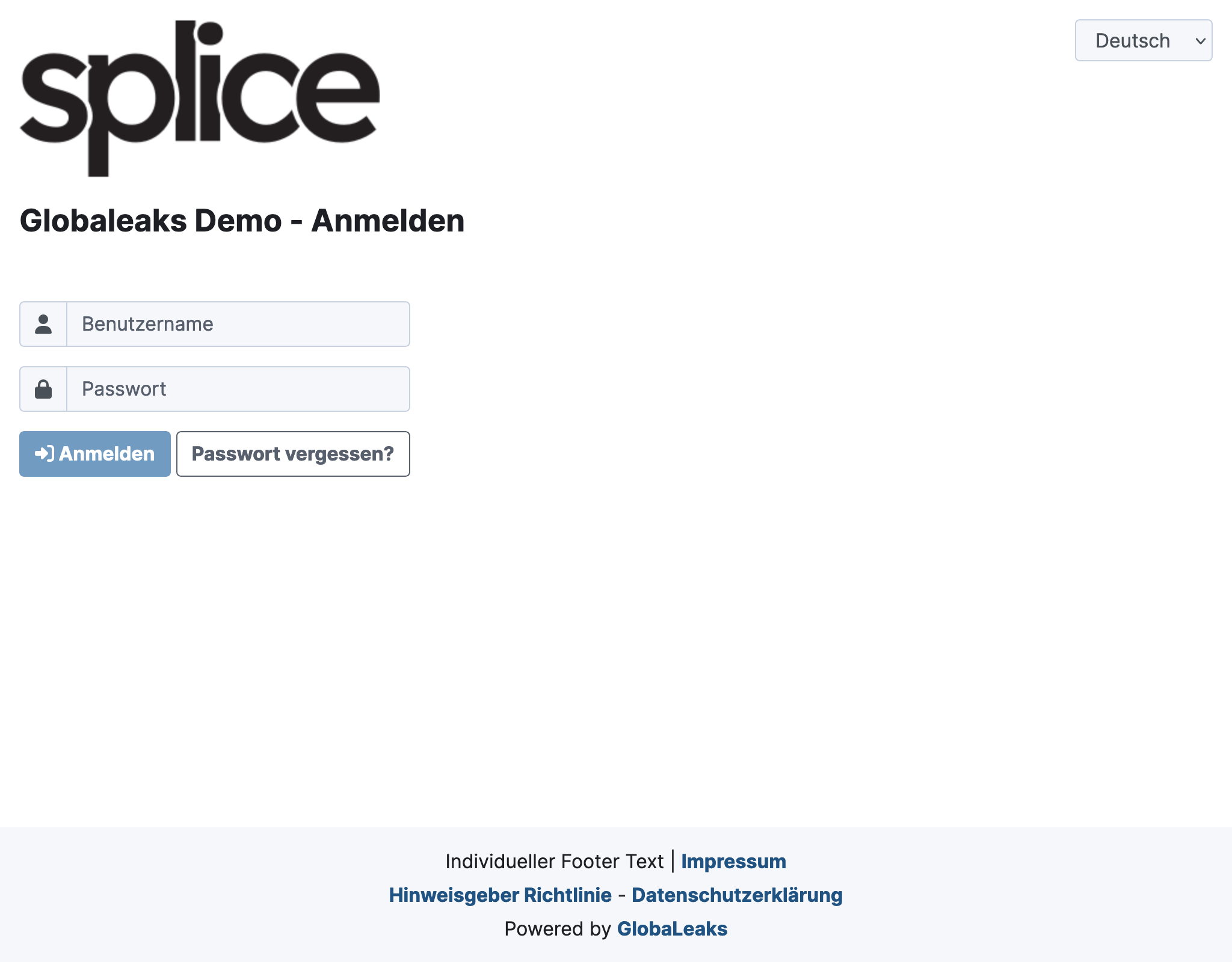
You will then arrive at a login page that should look something like the screenshot below.
-
Bookmark this page in your browser.
-
Enter your login credentials and click Login.
-
If the credentials were correct, you are now logged in.
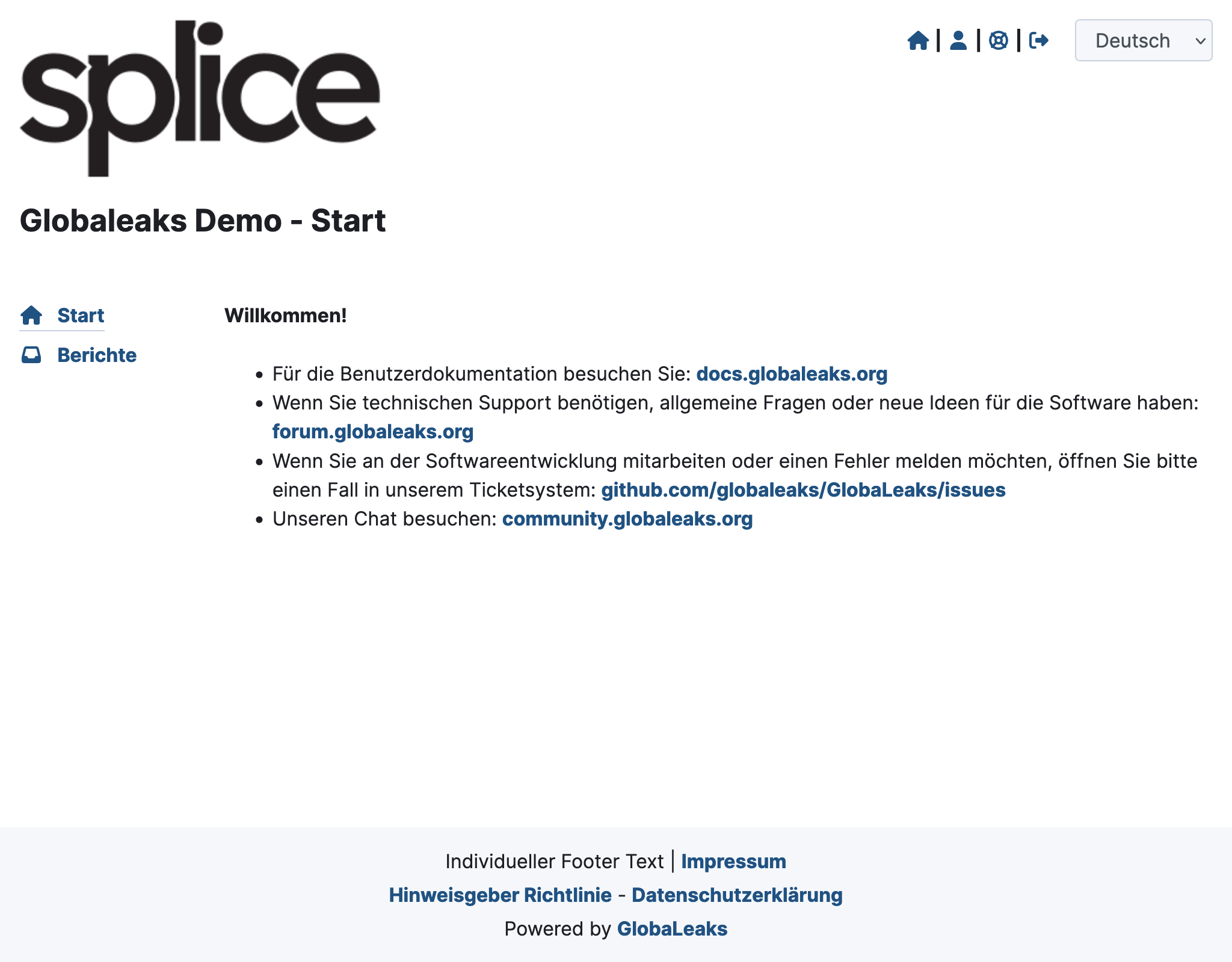
Once logged in, additional options will appear at the top right of almost every page:
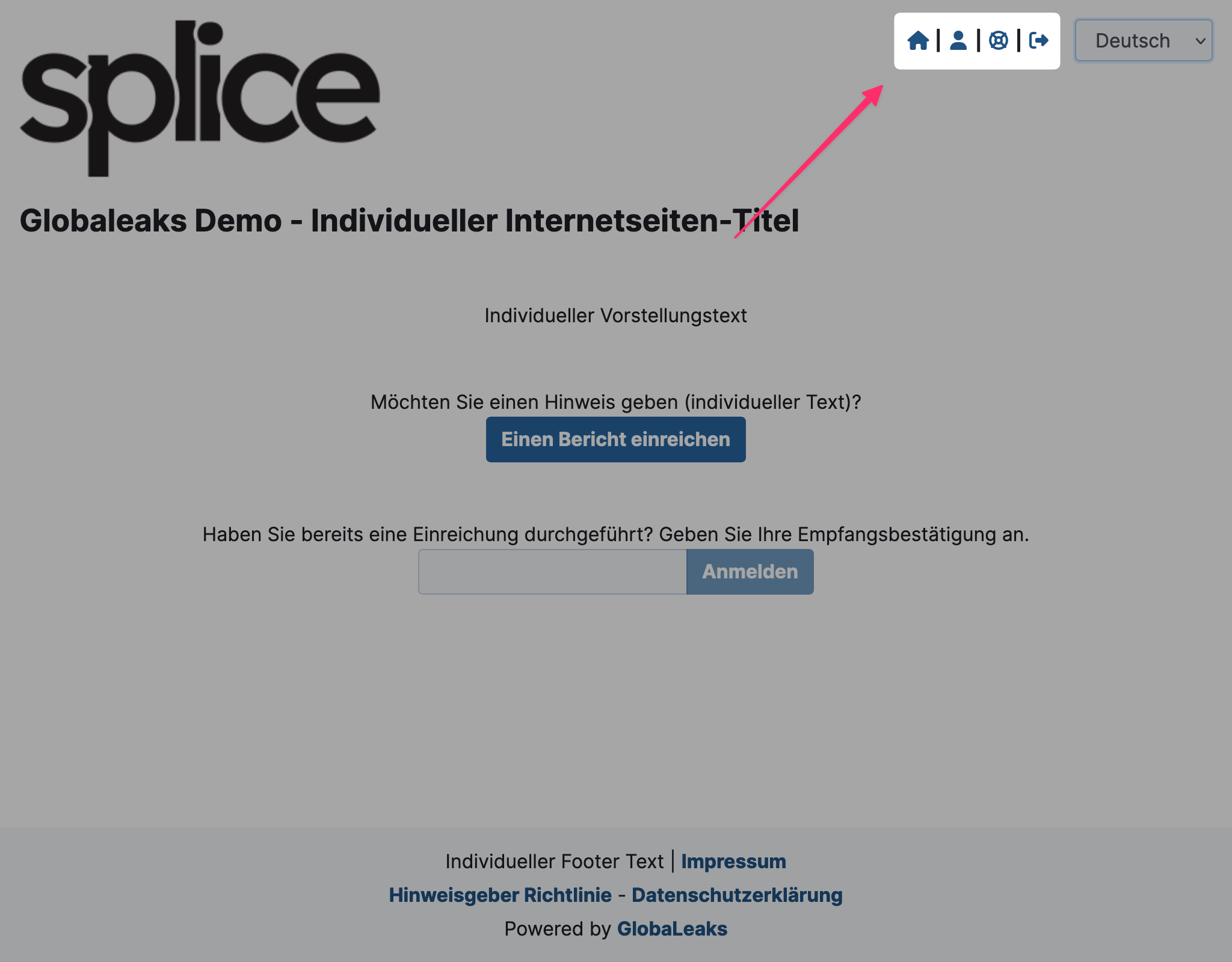
- Home-Icon: Back to the internal home
- User icon: To your personal settings
- Lifesaver icon: Contact customer service
- Door icon with arrow: Logout